 Note Note
| Removal and installation is described for the centre console
cover on driver side. Follow same instructions for the front
passenger side as appropriate. |
| Special tools and workshop equipment
required |
|
|
|
| |
|
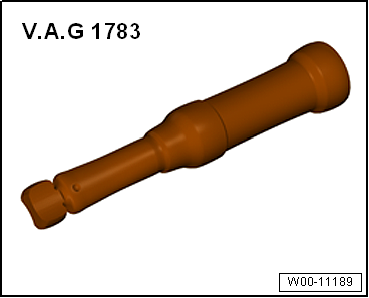
Torque wrench -V.A.G 1783 |
| – |
Remove trim for operating and display unit
→ Chapter. |
| – |
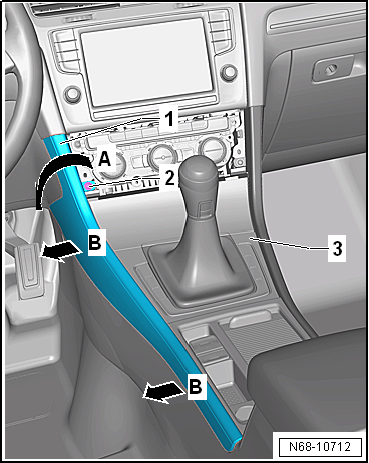
Initially, remove centre console cover
-1- in area of operating and display unit in
-direction of arrow A- from centre
console -3-. |
| – |
Unclip centre console cover -1-
from centre console -3--arrows B-
and remove it. |
Note
| Before installing, check all fasteners for damage and renew
if necessary. |
| Installation is carried out in reverse order. |
| |
→ Chapter „Assembly overview - centre console“ |
|
|
|
Questions & answers
Removing and installing centre console cover — Volkswagen Golf Mk7
How do I remove the Golf Mk7 centre console cover?
Driver side described; passenger similar. Release clips and pull the cover off the console structure.
Removing
–
Remove trim for operating and display unit
→ Chapter.
–
Unclip front storage ...
Special tools and workshop equipment
required
Torque wrench -V.A.G 1783-
...

 Removing and installing centre console front storage compartment
 Removing and installing centre console insert